How do you create your own course Material in KLMS?

Material is a micro course in itself. It can consist of a full-length Youtube movie that is a course or a simple copy of the Code of Conduct that the staff needs to take.
When creating a course to help a student learn something, you need to find out what the learning material will consist of. (See our article on what to think of when creating a successful online course)
Either you will educate yourself, depending on your knowledge of a subject, or you will find the learning material that will help the Learner to learn. This is the first part of the process. Creating a course makes you an author in KLMS, just like you don't need to know how to play music to create a playlist on Spotify. If you are the teacher or the instructor, you still are the author in the sense of putting a course together in KLMS.
If you record a lecture yourself: you will save this recording as a video file or an audio file. This audio or video file is considered a material part of a course. All learning sources are collected in the Material section as Materials.
You can collect many materials before you need to put the course together. The material collection is a part of the process of creating a course.
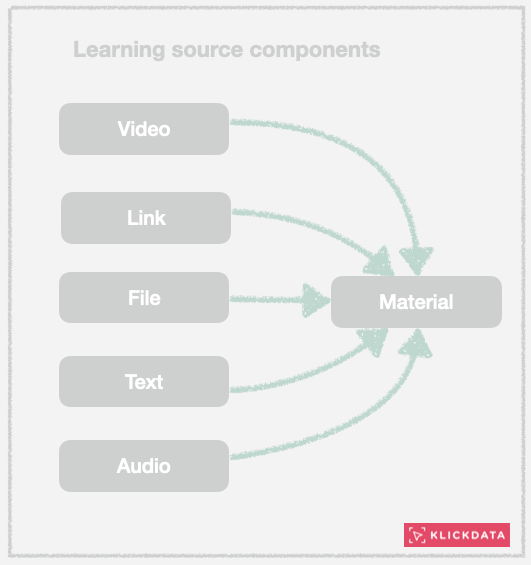
You can upload a file to the KLMS secure server, which will be used only for the person who can access the Material. As an accessible object or as a part of a Course. Once saved, materials are searchable in the Global Search and found for others to view or use as parts of a course, depending on how you will publish it in the KLMS. You can publish Material as a Draft: You will be the only one to see it: To the Academy: You will be able to share it with your Academy users, and you will be able to share it in Public: In the Klick Data ecosystem for all Academies using KLMS. (Klick Data Open Library KOL)
Material can be hidden as its own subjects unless it's within a Course. The idea is that suitable learning objects can be used by others and put together as songs in a PlayList. We call Material micro-courses. (sv. mikrokurs)
Sending a PDF, PowerPoint Presentation, Word file, or video file to KLMS makes it searchable within the Academy for you (and Academy users if you like) but not outside the KLMS framework. Internal documents are, therefore, safe inside KLMS.
You will find the Materials part of KLMS in Admin/Content and Material.
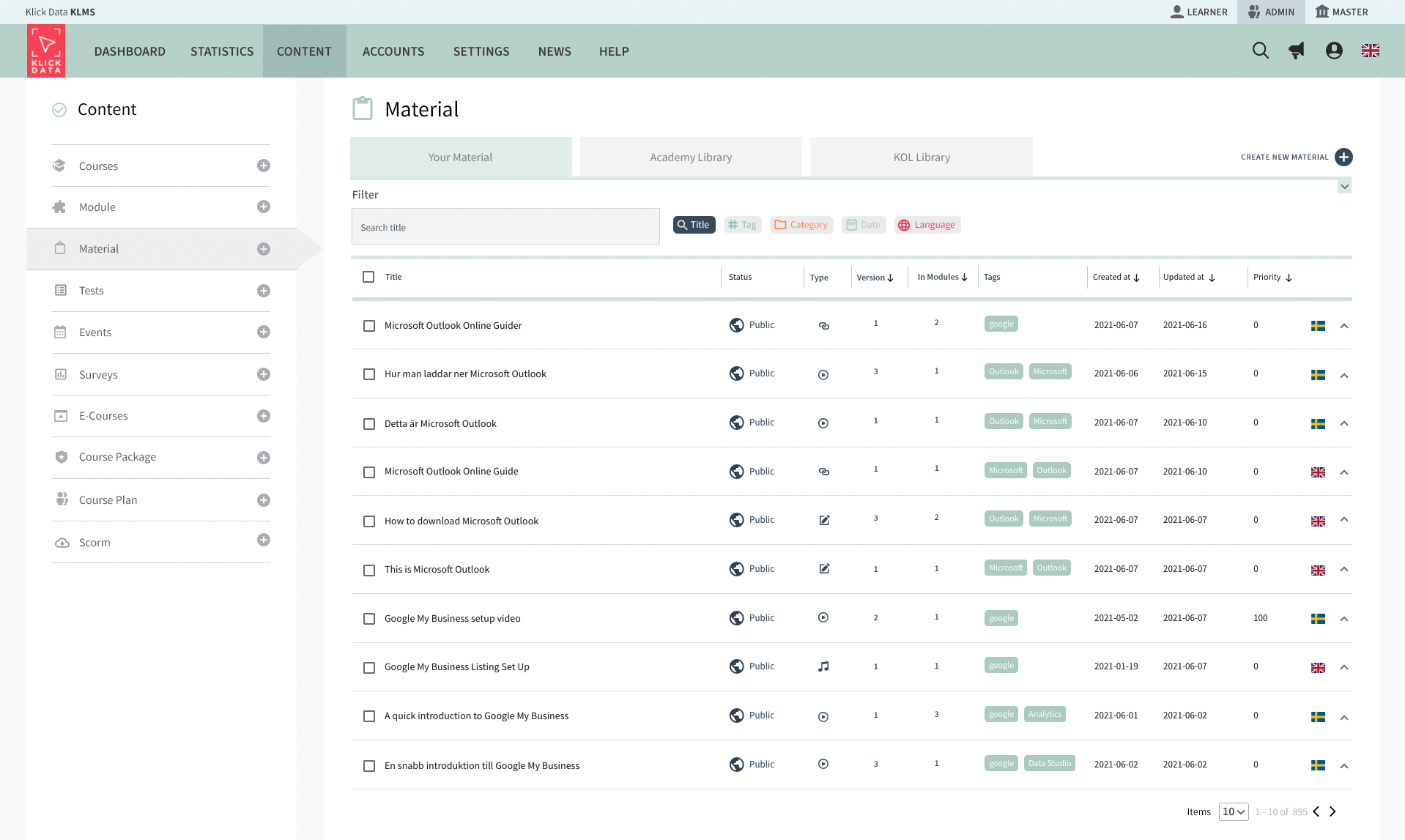
In this Material section, you have three tabs. The material that you published or have created but not yet published. (draft mode) . The second tab Academy, here you find the material available in your Academy (your organization). The material available in the public library is in the third tab (Klick Data Open Library, KOL).

In the listing, you see the tags attached to the material, among many things. If you click on a tag, you will automatically search for all these types of material. It's an easy way of searching. You can search within a tab for different types of search strings.

The plus sign upper right allows you to create new material that will be part of a course someday in the future. Material can be searched for as independent content and taken without being inside the course. So if you find, for example, an attractive Youtube link that you might think will suit the organization's needs to be seen or learned in the future, you add it here, and then you collect course material for you and others to use in the future. Basically, you filter Youtube and the web for great content that will match your organization's needs.
Having said that, an internal document that is not public is also to be created as material. We look at material as songs in a playlist, with the difference that the playlists are courses in the KLMS platform.

If you see fit that the material is to be used for more than you in the KLMS, you publish it in the Academy only or in the Academy and in the public sector. We live in a shared world. If you share, great stuff, karma will give it back to you.

Of course, some material published is old and no longer suitable to be a part of the library of materials. Then you can delete it.

When you create new material: you can add a link, text, video or audio, or any other file. Depending on what you choose, you can pick the tab relevant and get some other options. Doing this often requires a copy and paste from the web with description text, headlines, and a summary of the content. Some videos have significant timestamps that are very useful for the learning experience an example. Try to paint the information as much as possible and be neutral here since the material can be used in many different places and not for just one specific purpose.

Below are examples of different types of material used in KLMS.
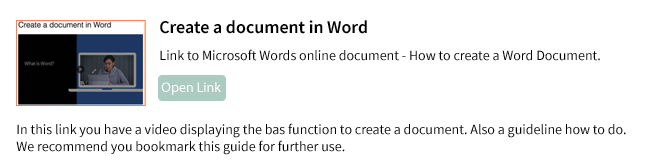

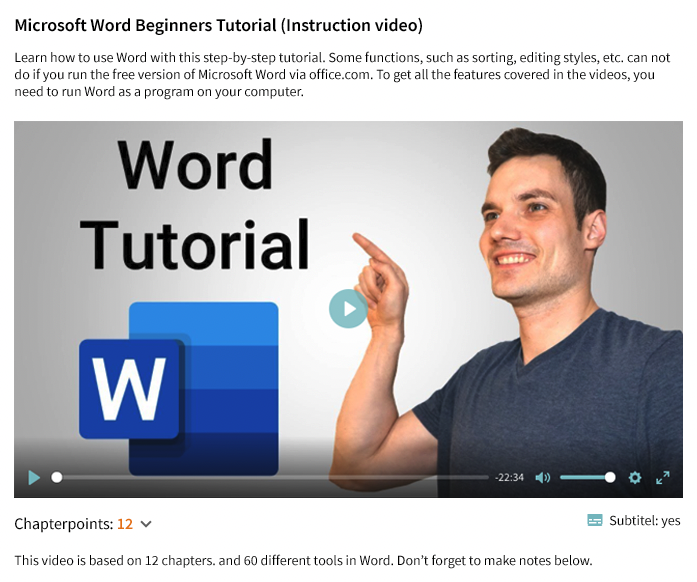
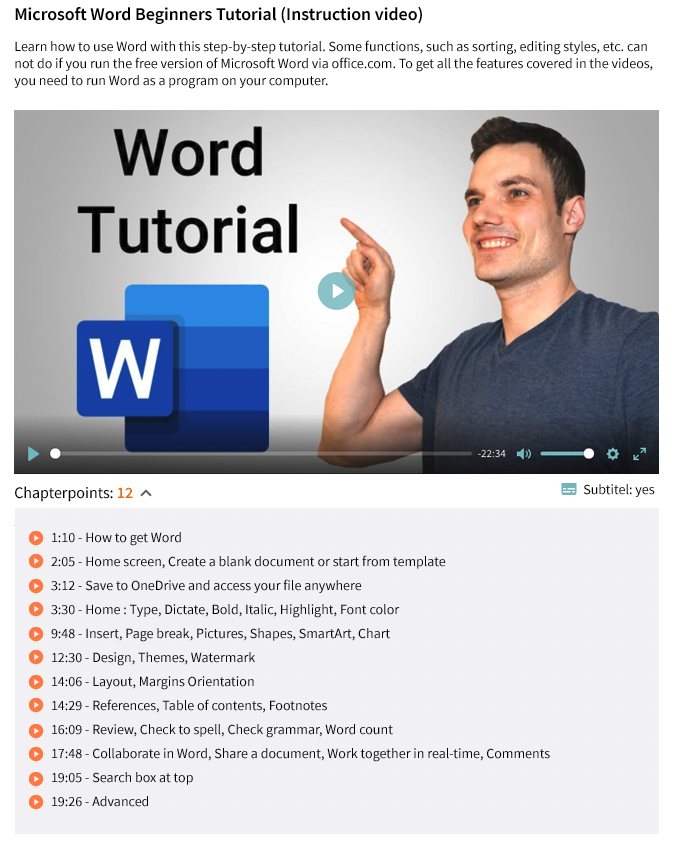


You can preview the material as it will look in the course.
